
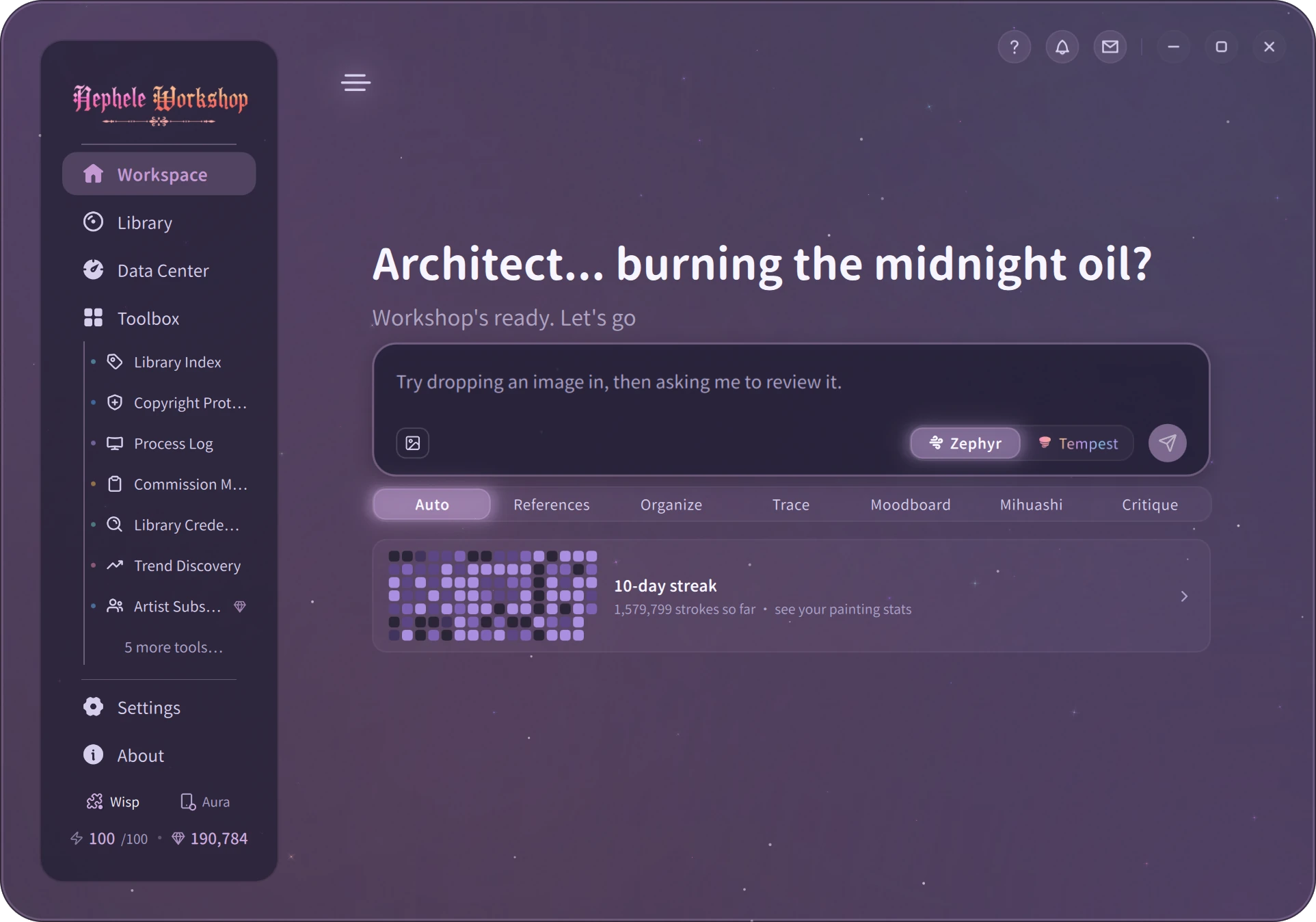
Every stage of your workflow
Each feature sits at a real stage of your day. Two global layers thread through every stage — this is not a toolbox stack.
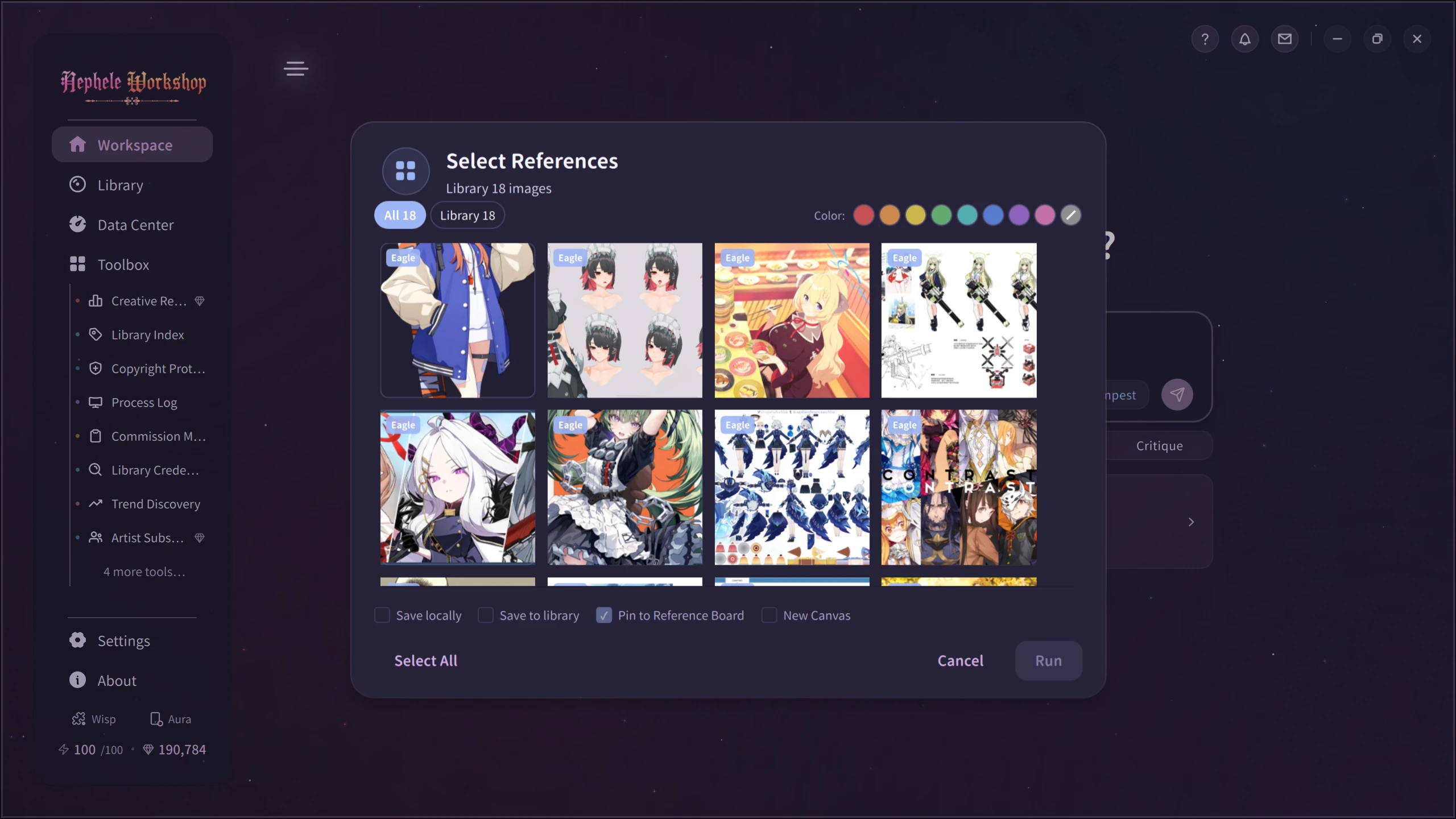
Create
This step is yours. No brushes, no layers — paint in PS / CSP / Blender as you always do. Why this design
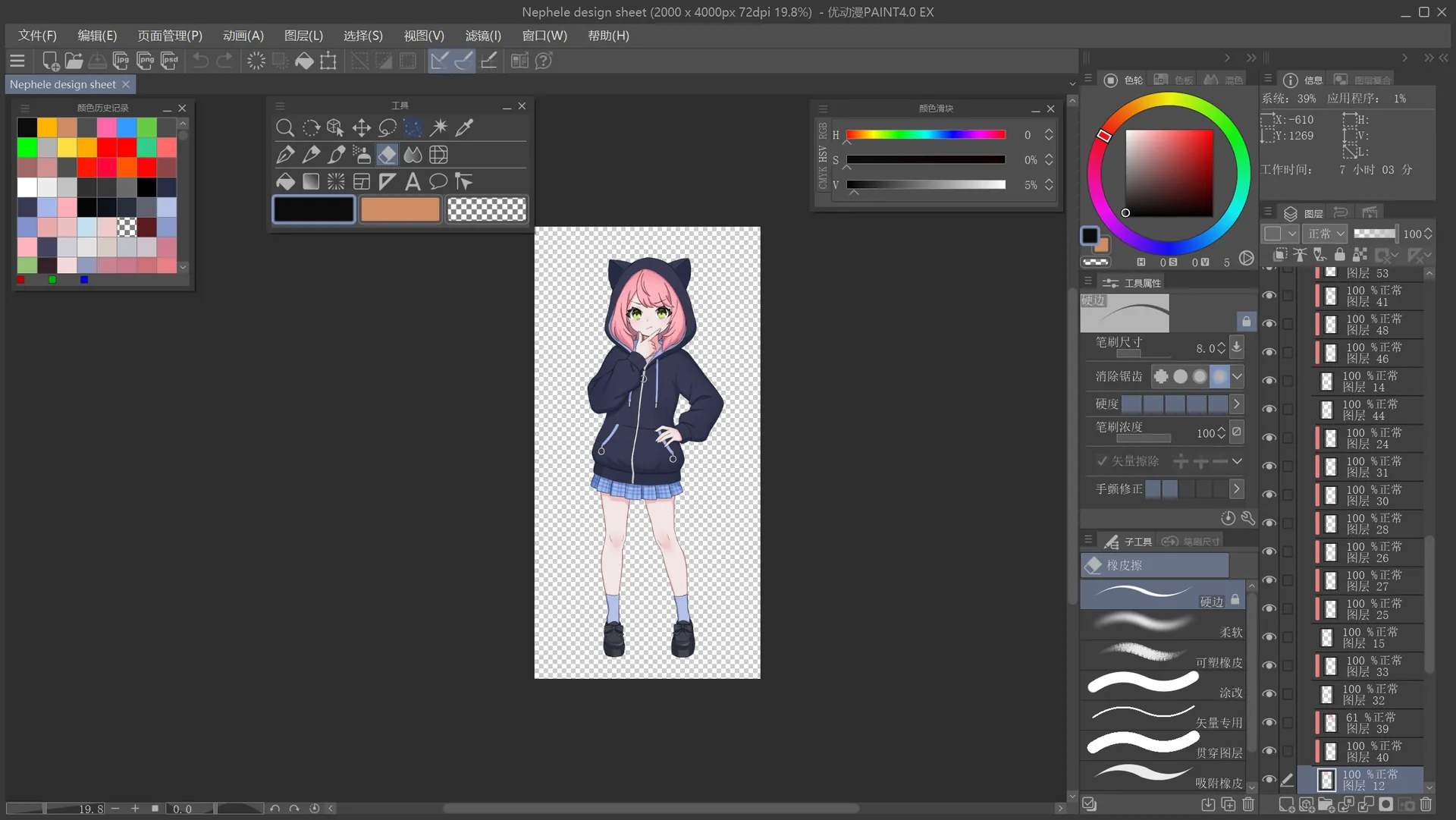
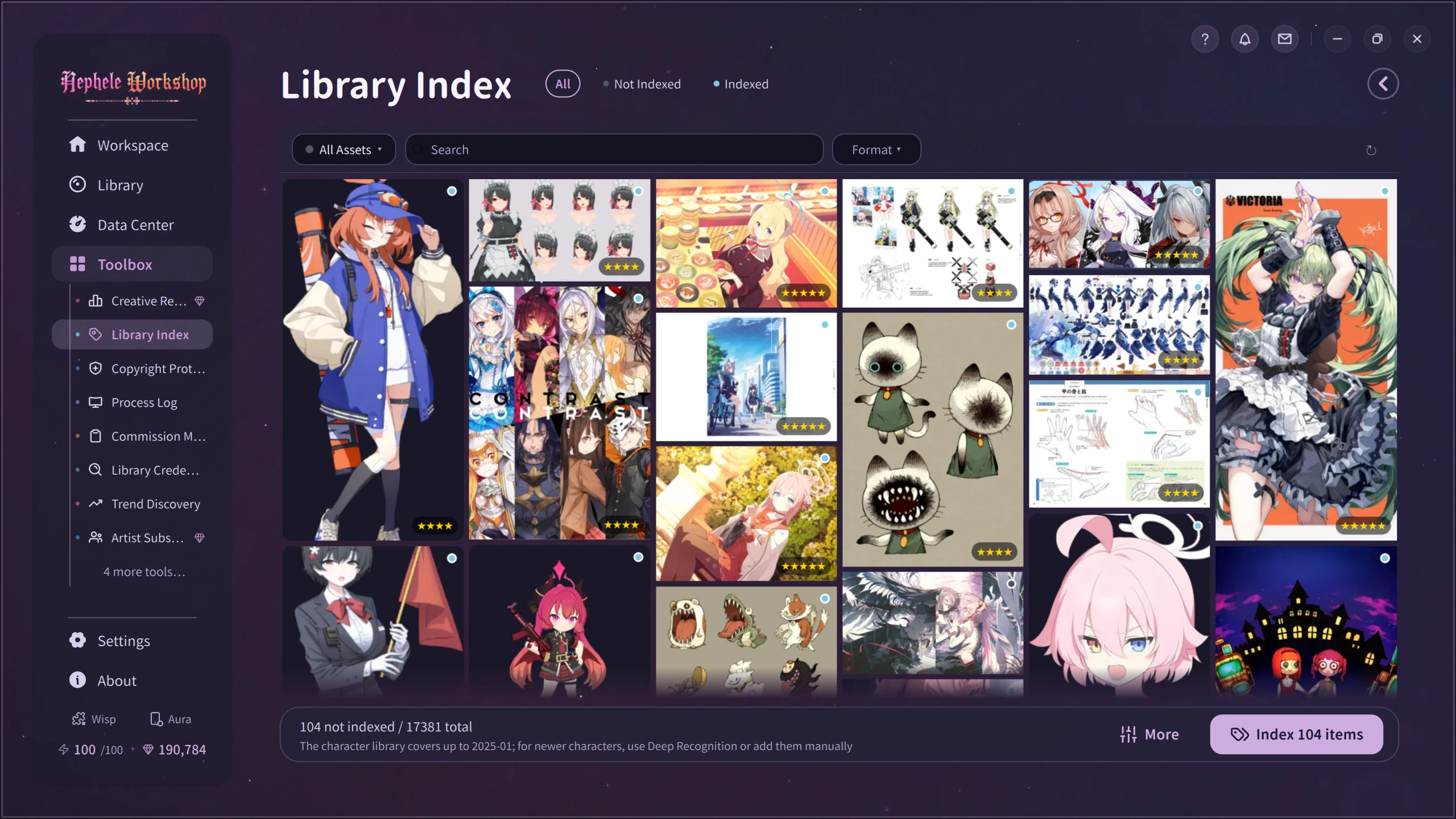
Evaluate / refine
Creator Data Center
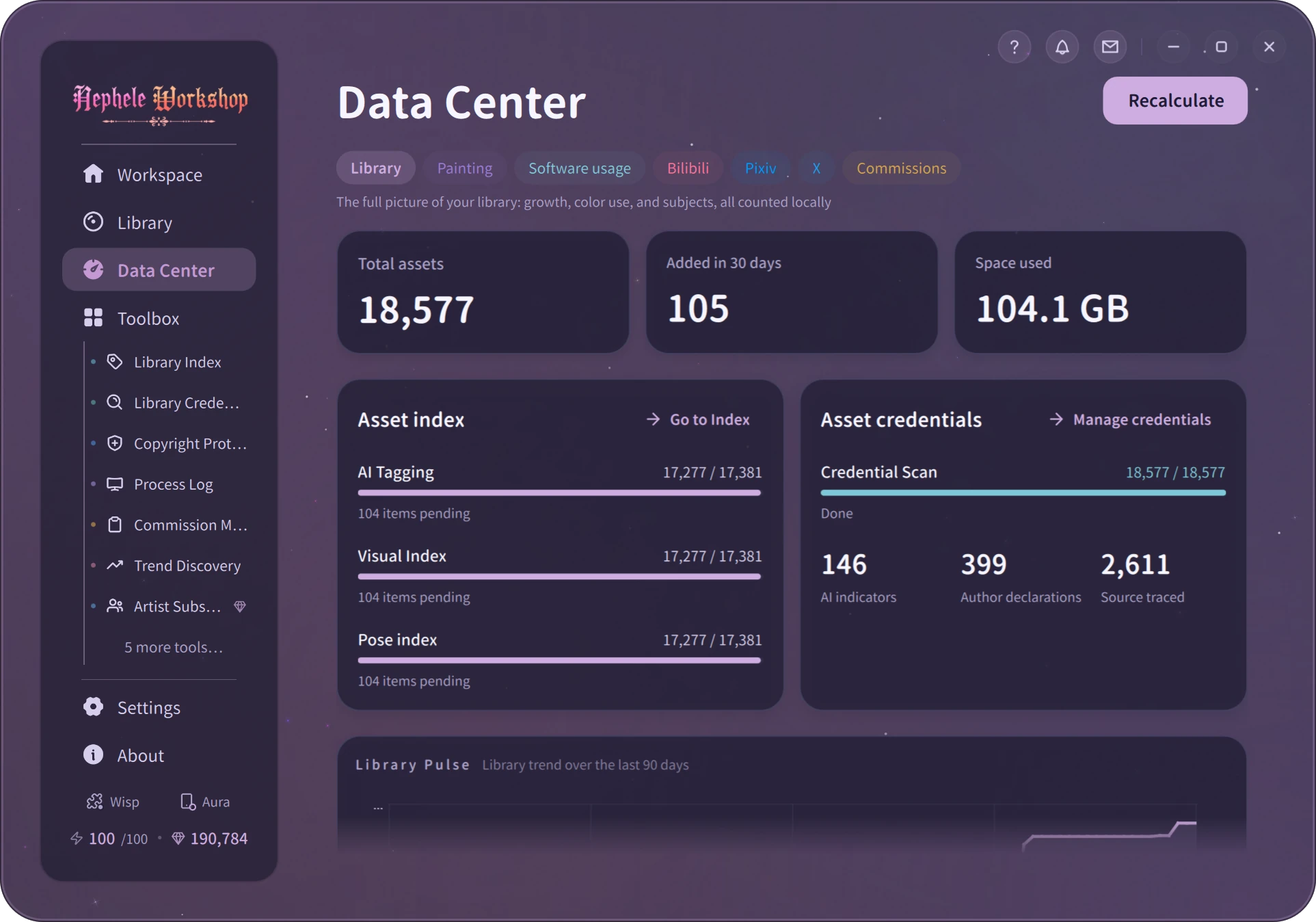
Drawing activity, collected references, platform feedback and commissions, together in one place. Keep the data on your computer and look back over your creative work.
Time spent creating
Drawing time, strokes and activity heatmaps. Optional software time tracking is experimental.
Your library at a glance
See collection growth, index coverage, color palettes and subjects across your library.
Platform performance
Bring account data from Bilibili, Pixiv and X through Wisp, and keep a history of changes.
Commission insights
Review net income, commission sources and returning clients, alongside upcoming deadlines.
Nephele is more than a desktop app
One connected set of tools around your workflow — not five apps doing their own thing.
Wherever you work
Nephele Workshop
DesktopThe one you actually install. Your whole workflow lives here.
Axioma Cloud
Cloud AI1M-context brain. Every online-AI feature routes through here.
Nimbus
Resource libraryOur resource-library foundation. Images, references, works, platform data, and index results settle here as context the agent can actually use.
Nephele Aura
MobileBrowse your asset library, capture inspiration, and collab with the agent — remotely.
Nephele Wisp
Browser extensionCollects login-walled references through your own browser, plus a personal creator data vault.

CreatorAris
Founder, ArisFusion Studio · Developer of Nephele Workshop
I'm an artist too, worn down by how poor our tools are — so I made this.
Why I made this
Open source, for you to inspect
The core security implementations and standalone companion tools have public source code.
- nephele-core-auditAuditable evidence, watermarking and AI-metadata detection code.
- nephele-auraComplete source for the mobile companion.
- nephele-wispComplete source for the browser extension.
- nephele-verifyAn independent, offline-capable .nep evidence verifier.
The desktop security audit subset is public. The full desktop app and cloud core remain closed source.
Try it first, then decide
Download and try it without paying first. Local and cloud workflows are both available to evaluate; purchase unlocks the full license and cloud AI credits. Manual renewal, no auto-charge.
Now in public beta
Download and start · no payment first
Buy once when it fits
Trial and full version are the same install — purchase unlocks instantly
Buy once
Beta price · 1yr cloud included · same to renew
- Local features remain usable after cloud access expires
- 50,000 cloud AI credits included yearly